


title: TraceMind MCP Server
emoji: 🤖
colorFrom: blue
colorTo: purple
sdk: docker
app_port: 7860
pinned: true
license: agpl-3.0
short_description: MCP server for agent evaluation with Gemini 2.5 Flash
tags:
  - building-mcp-track-enterprise
  - mcp
  - gradio
  - gemini
  - agent-evaluation
  - leaderboard
TraceMind MCP Server
AI-Powered Analysis Tools for Agent Evaluation

-blue)

🎯 Track 1 Submission: Building MCP (Enterprise) 📅 MCP's 1st Birthday Hackathon: November 14-30, 2025
Why This MCP Server?
Problem: Agent evaluation generates mountains of data—leaderboards, traces, metrics—but developers struggle to extract actionable insights.
Solution: This MCP server provides 11 AI-powered tools that transform raw evaluation data into clear answers:
- "Which model is best for my use case?"
- "Why did this agent execution fail?"
- "How much will this evaluation cost?"
Powered by Google Gemini 2.5 Flash for intelligent, context-aware analysis of agent performance data.
🔗 Quick Links
- 🌐 Live Demo: TraceMind-mcp-server Space
- ⚡ Auto-Config: Add
MCP-1st-Birthday/TraceMind-mcp-serverat https://huggingface.co/settings/mcp - 📖 Full Docs: See DOCUMENTATION.md for complete technical reference
- 🎬 Quick Demo (5 min): Watch on Loom
- 📺 Full Demo (20 min): Watch on Loom
Social Media
Read the announcement and join the discussion:
- 📝 [Blog Post]: Building TraceMind Ecosystem - Complete technical deep-dive into the TraceVerse ecosystem
- [Twitter/X post link] : View on X
- [LinkedIn post link]: View on LinkedIn
- [HuggingFace Discord announcement link]: Read on discord
MCP Endpoints:
- SSE (Recommended):
https://mcp-1st-birthday-tracemind-mcp-server.hf.space/gradio_api/mcp/sse - Streamable HTTP:
https://mcp-1st-birthday-tracemind-mcp-server.hf.space/gradio_api/mcp/
The TraceMind Ecosystem
This MCP server is part of a complete agent evaluation platform built from four interconnected projects:
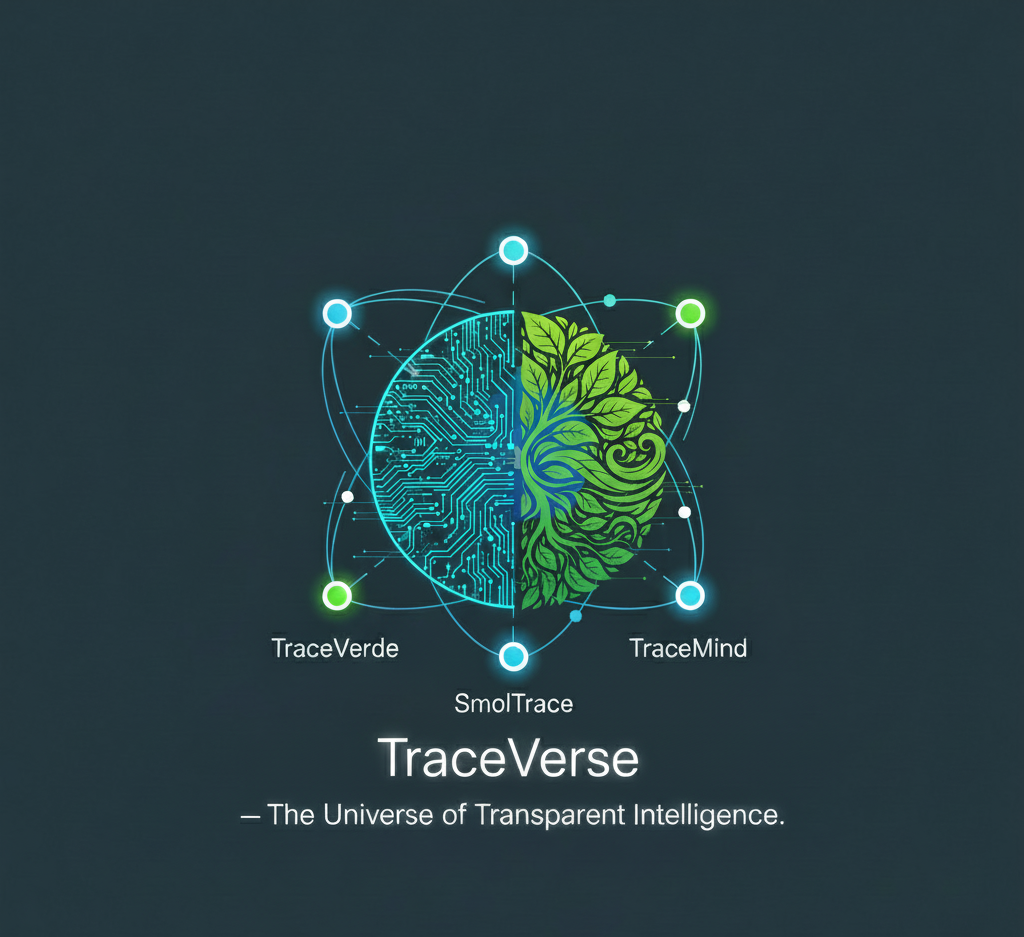
🔭 TraceVerde                    📊 SMOLTRACE
(genai_otel_instrument)         (Evaluation Engine)
        ↓                               ↓
    Instruments                    Evaluates
    LLM calls                      agents
        ↓                               ↓
        └───────────┬───────────────────┘
                    ↓
            Generates Datasets
        (leaderboard, traces, metrics)
                    ↓
        ┌───────────┴───────────────────┐
        ↓                               ↓
🛠️ TraceMind MCP Server         🧠 TraceMind-AI
(This Project - Track 1)        (UI Platform - Track 2)
Analyzes with AI                Visualizes & Interacts
The Foundation
🔭 TraceVerde - Zero-code OpenTelemetry instrumentation for LLM frameworks → GitHub | PyPI
📊 SMOLTRACE - Lightweight evaluation engine that generates structured datasets → GitHub | PyPI
The Platform
🛠️ TraceMind MCP Server (This Project) - Provides MCP tools for AI-powered analysis → Track 1: Building MCP (Enterprise) → Live Demo | GitHub
🧠 TraceMind-AI - Gradio UI that consumes MCP tools for interactive evaluation → Live Demo | GitHub → Track 2: MCP in Action (Enterprise)
Why This Matters for Hugging Face
This ecosystem is built around Hugging Face, not just "using it":
- Every SMOLTRACE evaluation creates 4 structured
datasetson the Hub (leaderboard, results, traces, metrics) - TraceMind MCP Server and TraceMind-AI run as Hugging Face Spaces, using Gradio's MCP integration
- The stack is designed for
smolagents– agents are evaluated, traced, and analyzed using HF's own agent framework - Evaluations can be executed via HF Jobs, turning evaluations into real compute usage, not just local scripts
So TraceMind isn't just another MCP server demo. It's an opinionated blueprint for:
"How Hugging Face models + Datasets + Spaces + Jobs + smolagents + MCP can work together as a complete agent evaluation and observability platform."
What's Included
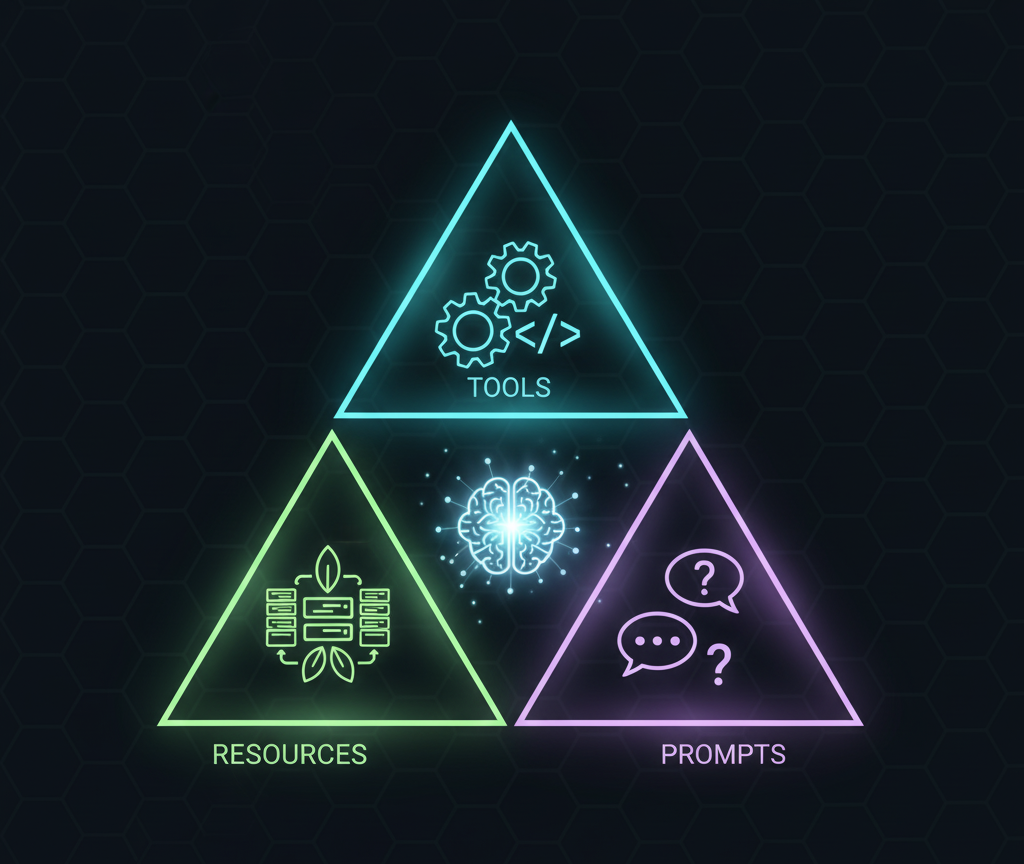
11 AI-Powered Tools
Core Analysis (AI-Powered by Gemini 2.5 Flash):
- 📊 analyze_leaderboard - Generate insights from evaluation data
- 🐛 debug_trace - Debug agent execution traces with AI assistance
- 💰 estimate_cost - Predict costs before running evaluations
- ⚖️ compare_runs - Compare two evaluation runs with AI analysis
- 📋 analyze_results - Analyze detailed test results with optimization recommendations
Token-Optimized Tools: 6. 🏆 get_top_performers - Get top N models (90% token reduction vs. full dataset) 7. 📈 get_leaderboard_summary - High-level statistics (99% token reduction)
Data Management: 8. 📦 get_dataset - Load SMOLTRACE datasets as JSON 9. 🧪 generate_synthetic_dataset - Create domain-specific test datasets with AI (up to 100 tasks) 10. 📤 push_dataset_to_hub - Upload datasets to HuggingFace 11. 📝 generate_prompt_template - Generate customized smolagents prompt templates
3 Data Resources
Direct JSON access without AI analysis:
- leaderboard://{repo} - Raw evaluation results
- trace://{trace_id}/{repo} - OpenTelemetry spans
- cost://model/{model} - Pricing information
3 Prompt Templates
Standardized templates for consistent analysis:
- analysis_prompt - Different analysis types (leaderboard, cost, performance)
- debug_prompt - Debugging scenarios
- optimization_prompt - Optimization goals
Total: 17 MCP Components (11 + 3 + 3)
Quick Start
1. Connect to the Live Server
Easiest Method (Recommended):
- Visit https://huggingface.co/settings/mcp (while logged in)
- Add Space:
MCP-1st-Birthday/TraceMind-mcp-server - Select your MCP client (Claude Desktop, VSCode, Cursor, etc.)
- Copy the auto-generated config and paste into your client
Manual Configuration (Advanced):
For Claude Desktop (claude_desktop_config.json):
{
  "mcpServers": {
    "tracemind": {
      "url": "https://mcp-1st-birthday-tracemind-mcp-server.hf.space/gradio_api/mcp/sse",
      "transport": "sse"
    }
  }
}
For VSCode/Cursor (settings.json):
{
  "mcp.servers": {
    "tracemind": {
      "url": "https://mcp-1st-birthday-tracemind-mcp-server.hf.space/gradio_api/mcp/",
      "transport": "streamable-http"
    }
  }
}
2. Try It Out
Open your MCP client and try:
"Analyze the leaderboard at kshitijthakkar/smoltrace-leaderboard and show me the top 5 models"
You should see AI-powered insights generated by Gemini 2.5 Flash!
3. Using Your Own API Keys (Recommended)
To avoid rate limits during evaluation:
- Visit the MCP Server Space
- Go to ⚙️ Settings tab
- Enter your Gemini API Key and HuggingFace Token
- Click "Save & Override Keys"
Get Free API Keys:
- Gemini: https://ai.google.dev/ (1,500 requests/day free)
- HuggingFace: https://huggingface.co/settings/tokens (unlimited for public datasets)
For Hackathon Judges
✅ Track 1 Compliance
- Complete MCP Implementation: 11 Tools + 3 Resources + 3 Prompts (17 total)
- MCP Standard Compliant: Built with Gradio's native
@gr.mcp.*decorators - Production-Ready: Deployed to HuggingFace Spaces with SSE transport
- Enterprise Focus: Cost optimization, debugging, decision support
- Google Gemini Powered: All AI analysis uses Gemini 2.5 Flash
- Interactive Testing: Beautiful Gradio UI for testing all components
🎯 Key Innovations
- Token Optimization:
get_top_performersandget_leaderboard_summaryreduce token usage by 90-99% - AI-Powered Synthetic Data: Generate domain-specific test datasets + matching prompt templates
- Complete Ecosystem: Part of 4-project platform with TraceVerde → SMOLTRACE → MCP Server → TraceMind-AI
- Real Data Integration: Works with live HuggingFace datasets from SMOLTRACE evaluations
- Test Results Analysis: Deep-dive into individual test cases with
analyze_resultstool
📹 Demo Materials
- 🎬 Quick Demo (5 min): Watch on Loom
- 📺 Full Demo (20 min): Watch on Loom
- [Twitter/X post link] : View on X
- [LinkedIn post link]: View on LinkedIn
- [HuggingFace Discord announcement link]: Read on discord
Documentation
For quick evaluation:
- Read this README for overview
- Visit the Live Demo to test tools
- Use the Auto-Config link to connect your MCP client
For deep dives:
- DOCUMENTATION.md - Complete API reference
- Tool descriptions and parameters
- Resource URIs and schemas
- Prompt template details
- Example use cases
- ARCHITECTURE.md - Technical architecture
- Project structure
- MCP protocol implementation
- Gemini integration details
- Deployment guide
Technology Stack
- AI Model: Google Gemini 2.5 Flash (via Google AI SDK)
- MCP Framework: Gradio 6 with native MCP support (
@gr.mcp.*decorators) - Data Source: HuggingFace Datasets API
- Transport: SSE (recommended) + Streamable HTTP
- Deployment: HuggingFace Spaces (Docker SDK)
Run Locally (Optional)
# Clone and setup
git clone https://github.com/Mandark-droid/TraceMind-mcp-server.git
cd TraceMind-mcp-server
python -m venv venv
source venv/bin/activate  # Windows: venv\Scripts\activate
pip install -r requirements.txt

# Configure API keys
cp .env.example .env
# Edit .env with your GEMINI_API_KEY and HF_TOKEN

# Run the server
python app.py
Visit http://localhost:7860 to test the tools via Gradio UI.
Related Projects
🧠 TraceMind-AI (Track 2 - MCP in Action):
- Live Demo: https://huggingface.co/spaces/MCP-1st-Birthday/TraceMind
- Consumes this MCP server for AI-powered agent evaluation UI
- Features autonomous agent chat, trace visualization, job submission
📊 Foundation Libraries:
- TraceVerde: https://github.com/Mandark-droid/genai_otel_instrument
- SMOLTRACE: https://github.com/Mandark-droid/SMOLTRACE
Credits
Built for: MCP's 1st Birthday Hackathon (Nov 14-30, 2025) Track: Building MCP (Enterprise) Author: Kshitij Thakkar Powered by: Google Gemini 2.5 Flash Built with: Gradio (native MCP support)
Sponsors: HuggingFace • Google Gemini • Modal • Anthropic • Gradio • OpenAI • Nebius • Hyperbolic • ElevenLabs • SambaNova • Blaxel
License
AGPL-3.0 - See LICENSE for details
Support
- 📧 GitHub Issues: TraceMind-mcp-server/issues
- 💬 HF Discord:
#mcp-1st-birthday-official🏆 - 🏷️ Tag:
building-mcp-track-enterprise